
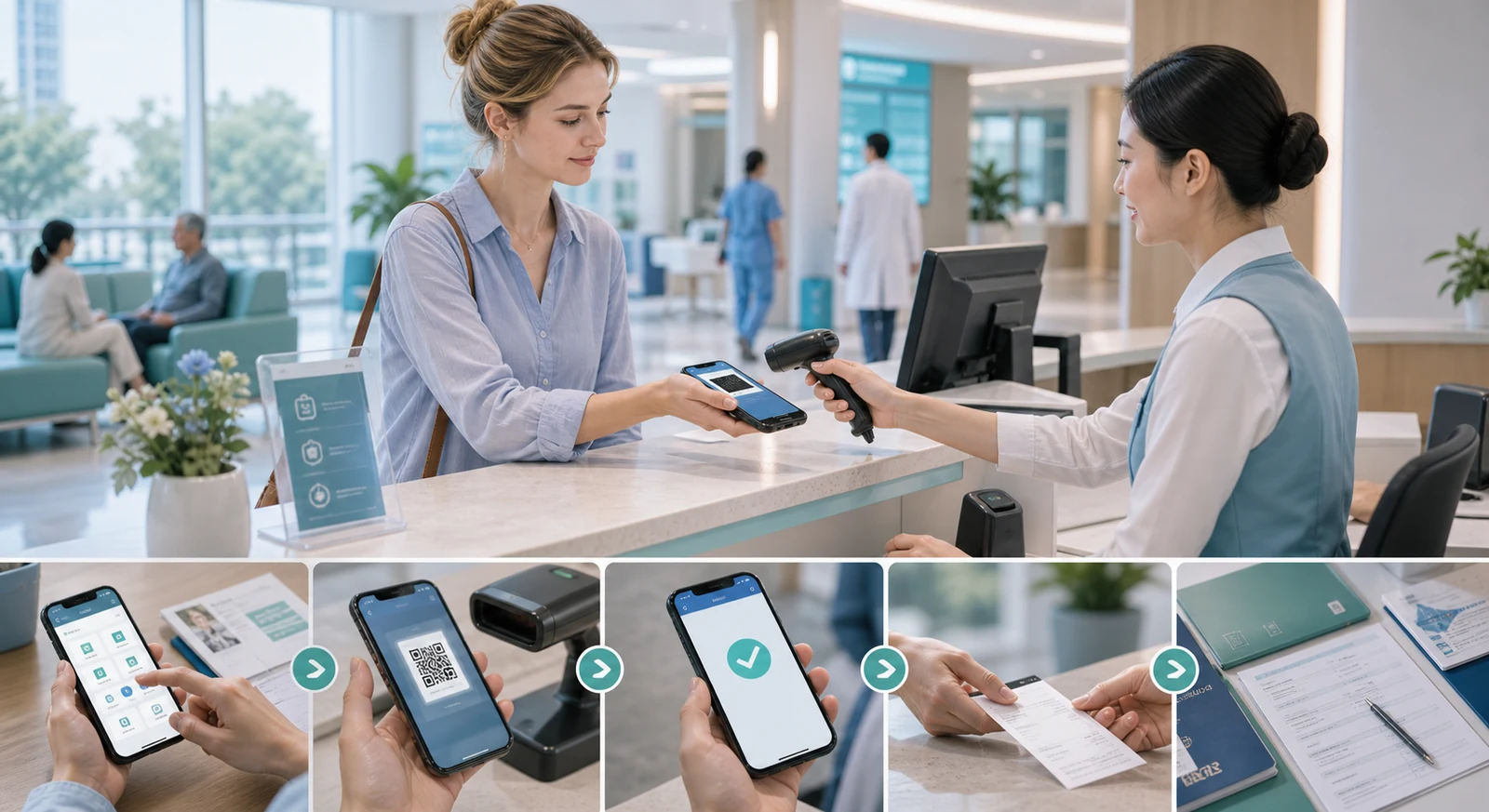
For many medical visits in China, WeChat and Alipay are not optional extras. A hospital may use one of them for a registration fee, a test charge, a pharmacy payment, a mini-program, or a queue update. But the practical question for a visitor is not simply whether the app exists. It is whether you can register, link a usable card, receive any verification message, and still pay when the hospital's own system does not cooperate.
This guide explains the normal visitor setup for WeChat Pay and Alipay, then separates that setup from the hospital workflow. A wallet that works in a shop is useful evidence, but it is not proof that a particular hospital mini-program, inpatient deposit, or foreign-passport registration will work.
Quick answer
Foreign visitors can usually register WeChat Pay or Alipay with an overseas mobile number and bind an eligible international card, subject to the app and card issuer's verification. For a hospital visit, set it up before travel, make one small test payment, and confirm the hospital's own registration and deposit rules separately.
Who this guide helps
This guide is for foreign patients who want to know where WeChat and Alipay actually help in hospital visits, what usually goes wrong with setup, how much to rely on them, and what backup still matters.
What to have ready before you begin
Set up the apps before the hospital day, ideally while you still have access to your normal phone number and bank support. Prepare:
- a phone that can receive SMS or app verification messages
- your valid passport if the app asks for identity information
- a physical international bank card, including its card number, expiry date, and security code
- access to the issuing bank's app, SMS, or support channel in case the bank requests approval
- a second payment method for the hospital day
The current Chinese government visitor guide says foreigners can register WeChat, Alipay, or UnionPay with a foreign or Chinese mobile number, then follow the app prompts to bind a card. It also notes that card brands, limits, and charging standards vary by product and should be checked in the app and service agreement.
Step 1: register with a mobile number
WeChat / Weixin
- Download or update the official
WeChatapp. - Register or sign in with your mobile phone number.
- Complete the security prompts shown by the app before relying on it for payment.
- Open
Me>Services>Wallet>Bank Cardswhen you are ready to add a card. The menu wording can vary with the app version and language.
Alipay
- Download the official
Alipayapp. - Enter your mobile phone number and continue through the registration prompts.
- Select
Add Nowwhen the app offers card setup, or open the wallet/card section later. - Follow the on-screen steps to add a card.
You do not need to guess whether a Chinese mobile number is mandatory: Shanghai's official visitor guide says overseas-card users can register and verify without obtaining a Chinese phone number. Still, keep the number used for registration active, because an app, bank, or security check may require access to it later.
Step 2: link an overseas bank card
The government guide lists major international networks such as Visa, Mastercard, UnionPay, American Express, JCB, Diners Club, and Discover, while acceptance differs by product and card issuer. Enter the card details only inside the official app and complete any bank authorization that appears.
If the app asks for passport or identity verification, use the details exactly as they appear on the document and complete the request through the app. Do not assume every visitor will see the same verification path: requirements can change with the card, transaction, risk checks, and payment product.
If the card will not link
Do not keep retrying blindly at a hospital counter. Check these points first:
- Confirm the card is enabled for online and overseas transactions with the issuing bank.
- Look for an approval request in the bank's app, SMS, or security system.
- Confirm that you are using the official app and the card details are correct.
- Contact the issuing bank or the app's official support route if the failure persists.
- Use a different eligible card or a manual payment route if time is limited.
The Ministry of Commerce's visitor guide specifically warns that an overseas issuer must authorize the binding and that some issuers may reject the request because they do not recognize the connection. That is an issuer or product problem, not something hospital staff can reliably fix.
Step 3: learn the two QR payment actions
At a normal merchant, payment usually happens in one of two ways:
- Scan to pay: open the app scanner and scan the merchant's collection QR code.
- Show to pay: open your payment QR code and let the cashier or scanner read it.
Try one small ordinary purchase before relying on the wallet for a medical visit. Keep the in-app confirmation or receipt. This only tests the wallet; it does not test a hospital's registration system.
Where these apps matter most
They help most when the hospital uses a WeChat mini-program, a hospital app tied to mobile payment, self-service kiosks linked to digital payment, or repeated small payment steps during one visit. They help less when the hospital still expects manual counters, the department uses a separate billing flow, or the card setup is only partly working.
What they may be used for at a hospital
Hospital workflows may use WeChat or Alipay for appointment booking, registration fees, test payments, medicine payments, queue status, and report viewing. They may also use a hospital mini-program inside WeChat, an independent hospital app, a kiosk, or a staffed cashier. These systems can be separate.
Do not assume that a successful wallet setup gives you all of the following: a usable hospital account, a foreign-passport patient profile, access to reports, appointment availability, or the ability to pay an inpatient deposit. Confirm the hospital-specific step that matters to your visit.
The hospital questions that prevent the most trouble
Ask the hospital or international-patient contact these questions before the visit:
- Can a foreign-passport holder register through the hospital's
WeChatmini-program orAlipayroute? - Is the app needed for booking, only for payment, or both?
- Can registration, tests, medicines, and a deposit be paid at a staffed cashier if the app fails?
- Does the hospital require a separate patient profile, identity check, or Chinese phone number for its own mini-program?
- Are reports and invoices available in the app, on paper, or both?
The right answer can differ by hospital, campus, department, and visit type. A generic statement that a hospital "accepts WeChat Pay" is not enough for a time-sensitive medical trip.
What usually fails first
Foreign patients most often run into account setup, card binding, bank approval, SMS or app verification, hospital-profile requirements, app language, and merchant compatibility. A wallet that works for taxis or coffee does not automatically mean it will work smoothly in a hospital workflow.
What to check before the visit
Before you go, confirm that the WeChat or Alipay account is usable, the card is linked and active, the app works for a small real-world payment, you still have a second payment option, and any required hospital screenshots or QR codes are already saved. The goal is not perfect digital confidence. The goal is to avoid failure at the moment you need to pay for registration, tests, or medicine.
A five-minute test before your hospital day
Use this test while you still have time to fix a problem:
- Open the wallet and confirm that the linked card is visible.
- Make one small ordinary purchase, then keep the confirmation.
- Check that the phone can receive the account or bank's verification messages.
- Save the hospital name, campus address, appointment reference, and any hospital QR code as screenshots.
- Confirm whether the hospital has a staffed-cashier fallback for registration, tests, medicines, and deposits.
- Carry a second method rather than depending on another person's phone.
Choose a backup that can actually work
Do not rely on one app, one card, or one person's phone. A practical setup is one tested wallet, a separate physical bank card, and some RMB cash for limited fallback use. The official visitor guide also notes that cash and foreign-card acceptance remain part of the payment environment, but individual merchants and hospital counters determine what they actually accept.
For a hospital visit, divide the roles rather than treating every payment method as interchangeable: use a tested mobile wallet for smaller registration, test, or pharmacy steps; keep a physical card ready for a larger payment where the hospital confirms card acceptance; and keep limited RMB cash for a manual fallback. Do not assume a hospital deposit can be handled the same way as a coffee-shop QR payment.
When cash, cards, and manual counters still matter
Cash is no longer the main path in many places, but it still matters as backup. A physical card may also help where the checkout counter displays the relevant payment-network logo. Use the staffed cashier when app payment fails, a kiosk rejects the wallet, you need an official invoice, or the hospital directs you there. Do not build the whole visit around cash, but do not assume you can ignore it either.
A simple rule that works
Use WeChat and Alipay as the fast lane, not as the only lane. Go in with one usable mobile wallet, one backup payment method, and one manual fallback plan.
Next step
If a wallet fails during a visit, read . For the broader payment process, read .
If you want to understand the spending structure behind these payments, go to . If you are comparing hospitals by operational convenience, go to . If you want booking, payment, records, and timing organized into one checklist, go to .
Sources and review note
- covers registration with foreign or Chinese phone numbers, overseas-card binding, QR payment, issuer verification, and the need to check product-specific limits and fees.
- says visitors can link eligible overseas cards without obtaining a Chinese phone number.
- documents the WeChat card path and the basic Alipay registration-and-card steps.
- explains that overseas-card binding requires issuer authorization and can fail at the issuer.
App interfaces, eligible card brands, fees, limits, verification, and hospital acceptance can change. Verify the current app prompts and the exact hospital department before relying on mobile payment for a time-sensitive appointment, test, or deposit.